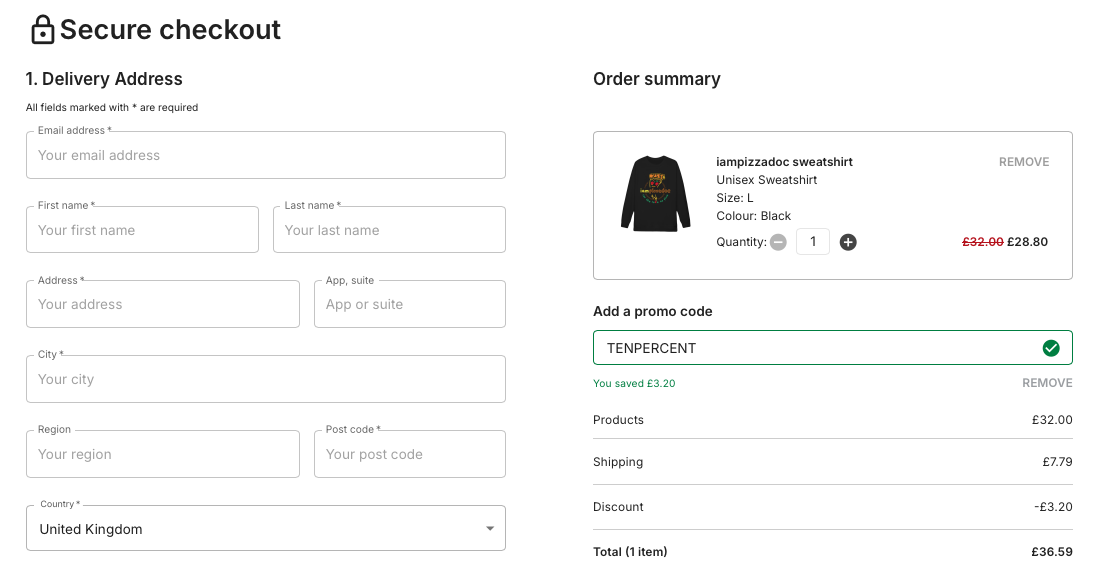
If you already have a storewide discount in place on your store. That will take precedent over this. Your buyers would not receive an additional 10% discount.
In order to create your Discount coupon code. Follow the below steps
On the Mayzing Dashboard, click on promotions, then store promotions.
Click on create promotion.
Give your promotion a name, something to help you identify it later. Something like Coupon Code.

Choose your level of discount
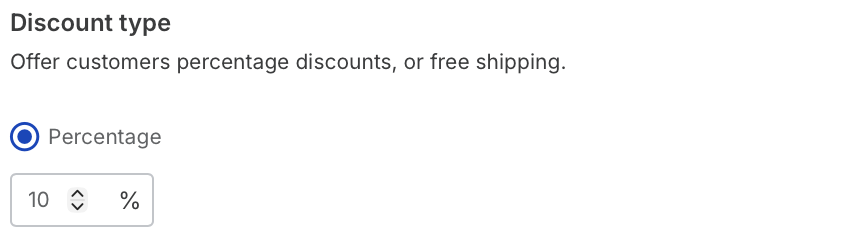
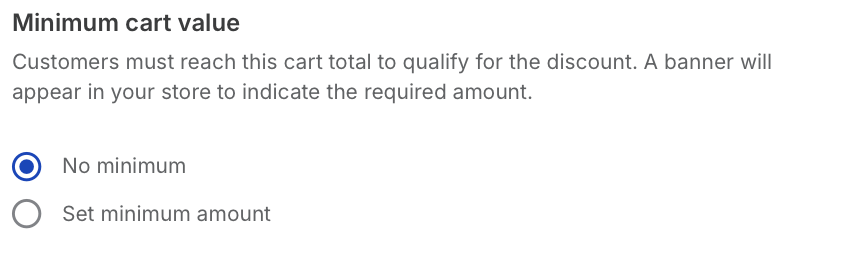
If you want to add a minimum cart value, you can in the next section.
Now under discount method. Select Coupon code.
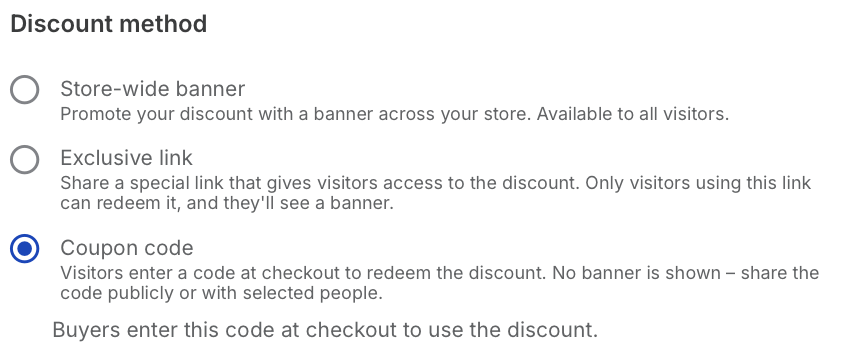
Choose your coupon code. In this example we’ll call it TENPERCENT.

Press create discount.
Publish your store.
Now you can send your coupon code to your selected audience. When they get to the cart and add the coupon code. It will give them 10% Off.