
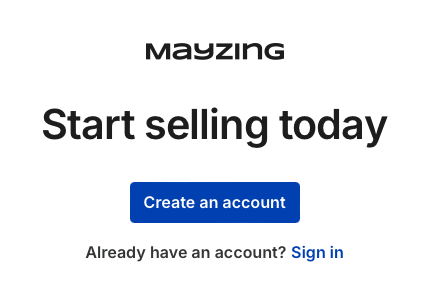
Next to already have an account, click sign in
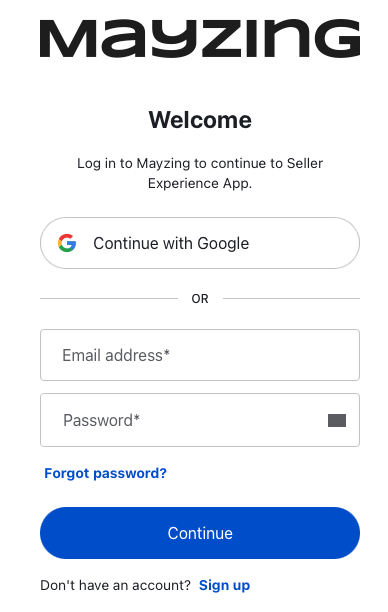
On the next screen click on forgot password
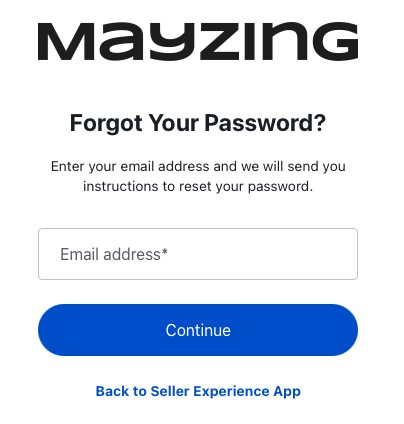
Input your email address, and press continue. Our platform will send your registered email address a message with a reset link inside.
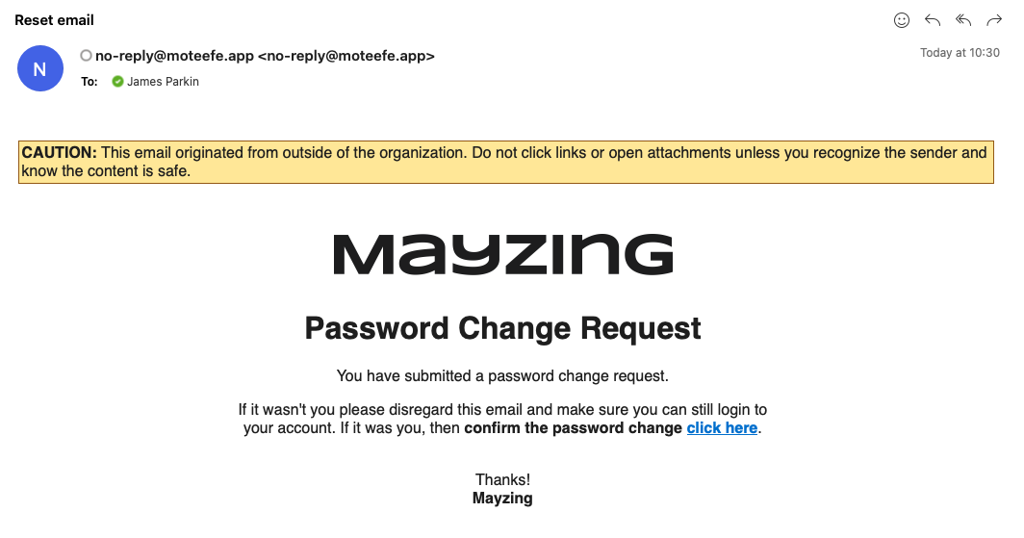
Check your email and click on the click here in the email we sent you
On the next screen, input your new password twice
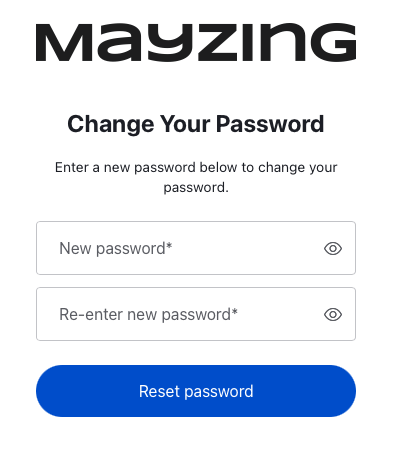
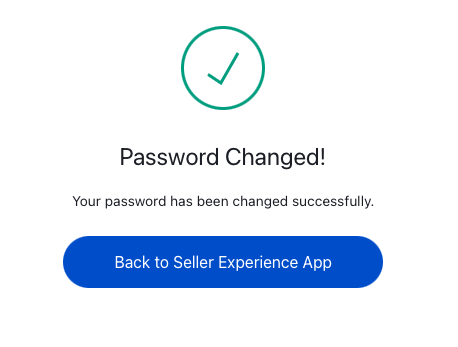
Press reset password. Your password has now been changed. And you can log in again
Forgotten your password
If you have forgotten your password, and you wish to reset it. The steps are very simple.
Did this answer your question?
😞
😐
😁