
Log in to the seller dashboard https://dashboard.mayzing.com
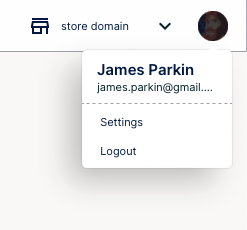
Click on your icon in the top right hand side of the screen and click settings
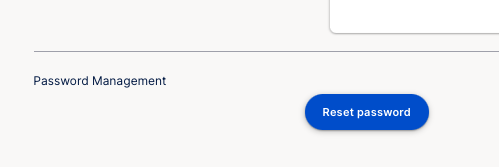
Scroll to the bottom of the screen and under password management, click reset password.
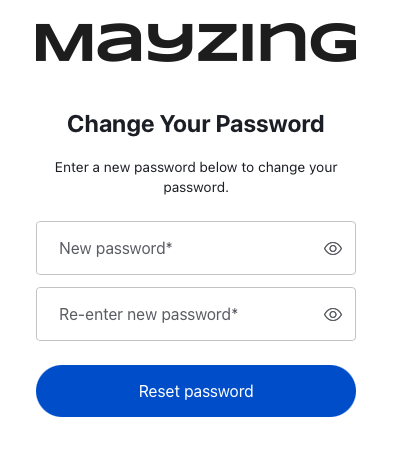
Enter your new password twice, and press reset password
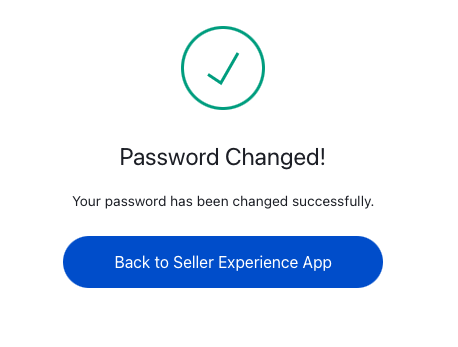
Your password has been reset
Changing your password
If you wish to change your password, or you feel that your password may be compromised. Follow these steps to change your password.
Did this answer your question?
😞
😐
😁