

Important: This overview does not apply to our Mayzing Store solution, where we handle all VAT obligations on your behalf
Go to the Mayzing SXP Dashboard - https://dashboard.mayzing.com/
Go to account settings
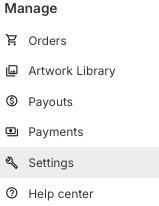
Click on the Billing Information tab. In the billing address section input the registered business details. This is the data that will be shown on your invoices.
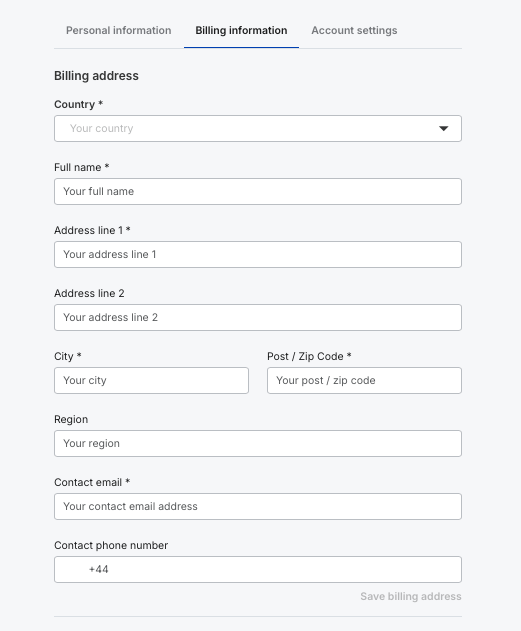
Press save billing address
In the company details section add the registered company name
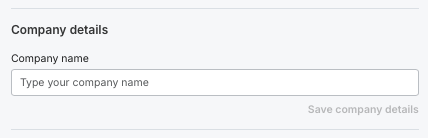
Press Save company details.
If you have a VAT registration in the EU or UK please enter the numbers here to ensure that you are being charged the correct VAT. We validate the EU & UK VAT numbers and these will error if the number is invalid. Entering the VAT numbers will enable you to reclaim the VAT where you are registered, maximising the profit you earn.
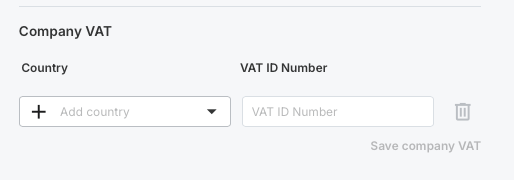
Press save company VAT
You are all set up.