

Log in to dashboard.mayzing.com
Click create new store
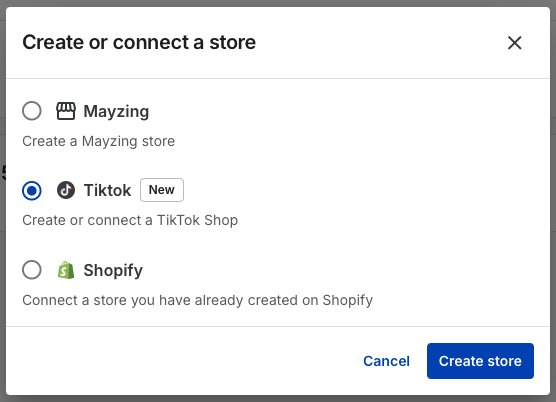
Select the TikTok store, and click create new store
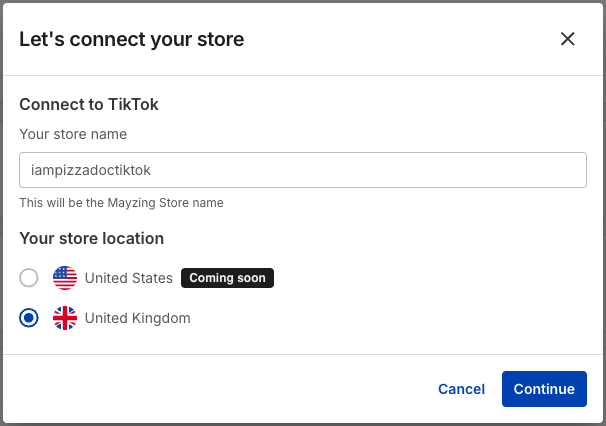
Give your new store a name and select the region you will be selling in, and press continue
The next screen asks you to confirm that you have competed the prerequisite steps before you proceed. If you have not completed this and press to proceed anyway, your products will not get added to your TikTok UK shop.
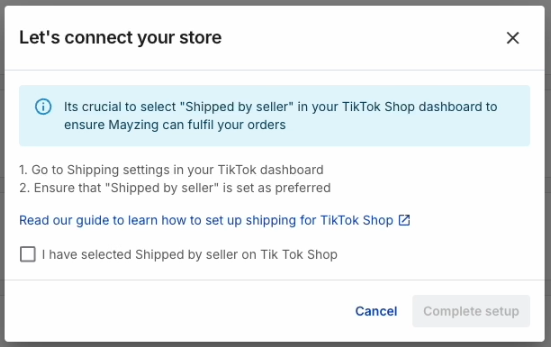
Press Complete setup.
You will be taken to the TikTok screen. Complete your details here.
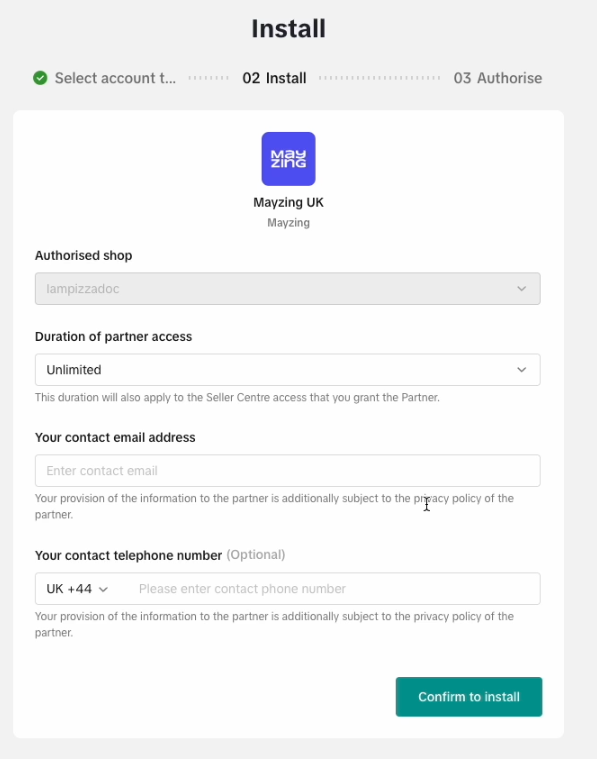
Press Confirm to install.
The next screen will ask you to Authorise the Mayzing UK app.
Read through the information, tick the checkbox, and press Authorise.
You will be returned to the Mayzing dashboard and your TikTok UK store will have been created.
You are now ready to start building products.