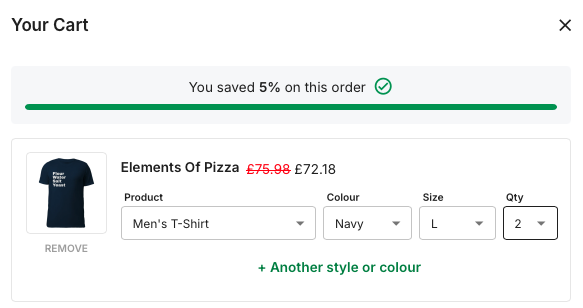
Store discounts are applied to your entire store, meaning all of your campaigns will get the discount applied.
To start. Click on Promotions in the left hand navigation bar. The next screen will show you all the types of promotions you can create.
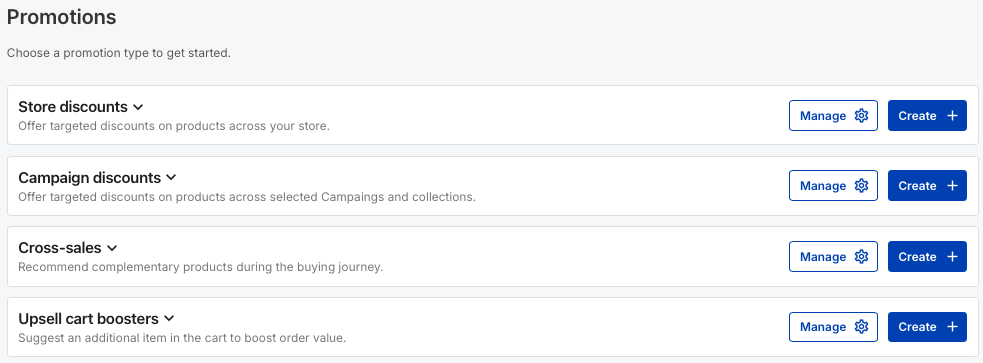
For this example, we'll be creating a Store Discount.
Next to store discount, click on manage. This will show you the discounts you have created. if this is the first time you are creating a discount, this screen will be empty.
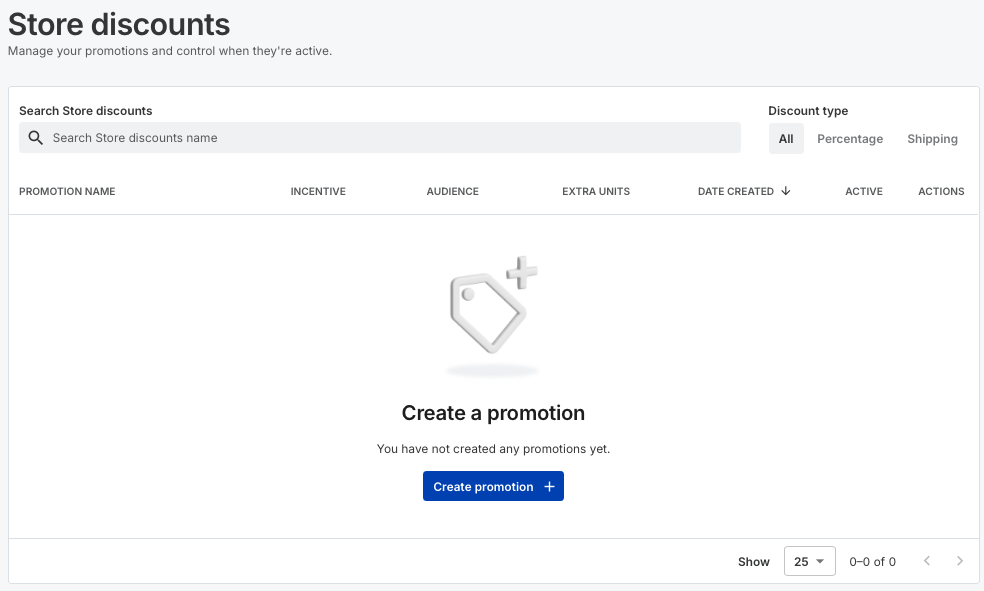
Click on create promotion.
Lets start by giving the promotion a name, we'll call it Storewide 5%.

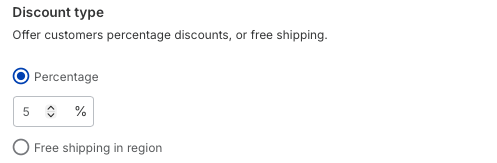
Now for the discount type. You can select a percentage off, or a free shipping discount. Let's choose percentage. And make this 5%.
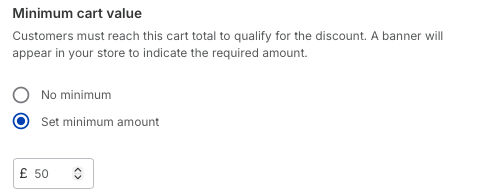
You can choose to apply this to the entire store with no minimum cart value. Or set a minimum cart value that will encourage people to spend more, to attain the discount. Lets set it at £50.
Now you can choose whether everybody sees the discount, or only people with a specific URL. For the purpose of this demo, we'll leave it as Everyone.
Press create discount.

You can now see that you have created a discount, that is for everyone, at 5% off.
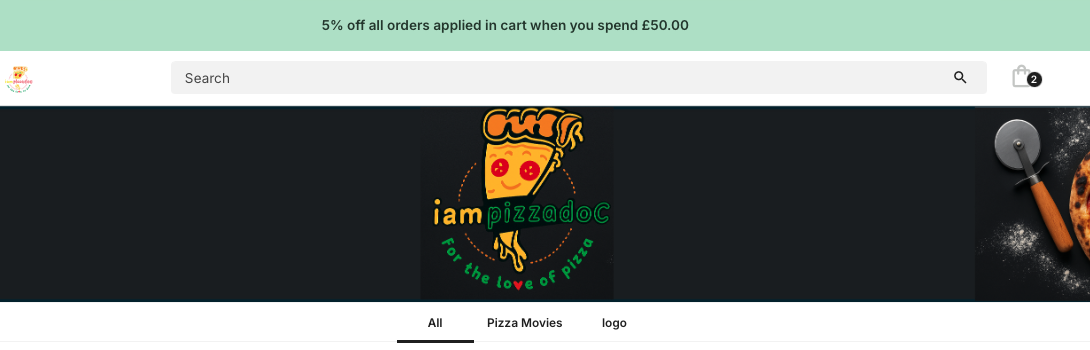
Lets publish those changes. Once the store has published, you can view the discount in place on your store. Refresh the browser if your store is already open. You can now see that the discount is turned on. Giving a discount of 5% for all orders over £50.
You can see here that the customer has added one item to their cart. But it has not yet reached £50 so the discount has not activated. There is a cart nudge there, advising them that if they spend a little more, they'll get a discount.
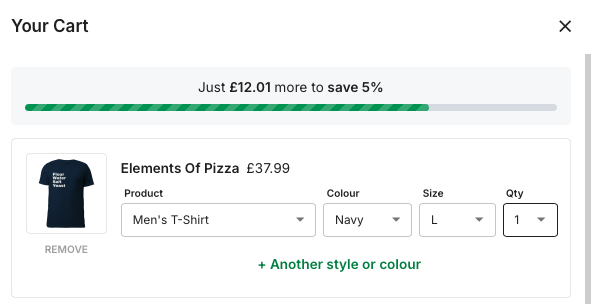
Let’s increase the quantity of this item, so the cart value goes over £50. The discount is applied, and the customer sees a message to say they have saved 5% on this order.