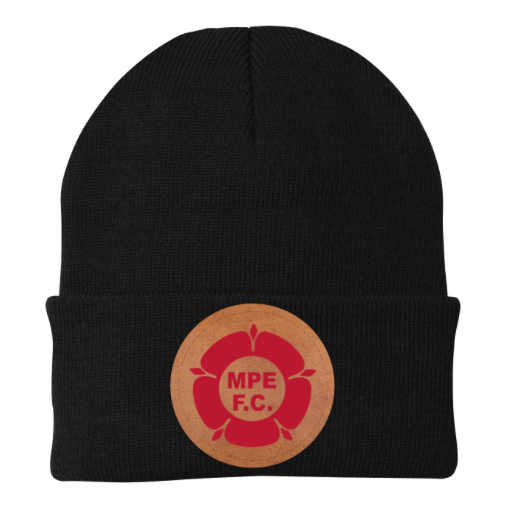
With our new exciting range of customisable headwear, you can create retro looking designs. The printable surface is white by default. You can make this look like leather by following the steps below.
Download a leather texture – Use one of our provided textures, or upload your own custom leather image. Link to our resources is here.
Add a new Image Layer – Insert the texture into your design as a new image layer.
Move it to the bottom – Ensure the texture sits behind everything else. Use the layer panel handles to drag it to the bottom.
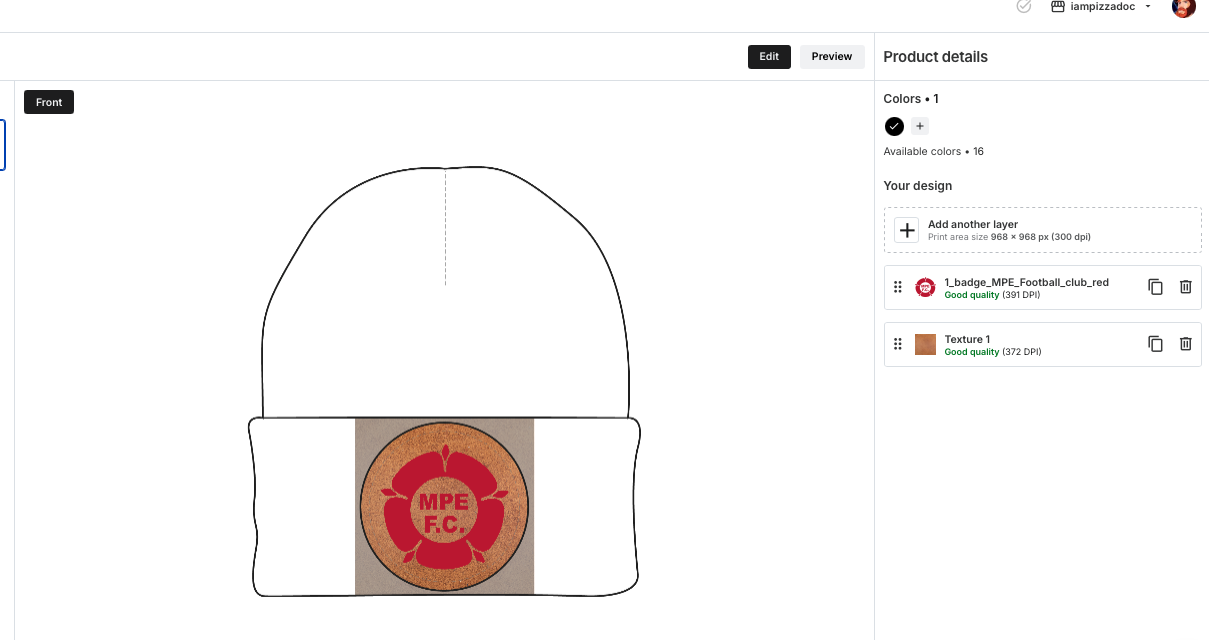
Add your design elements – Place your artwork or text on top of the texture layer.
Your design now has a realistic leather background.