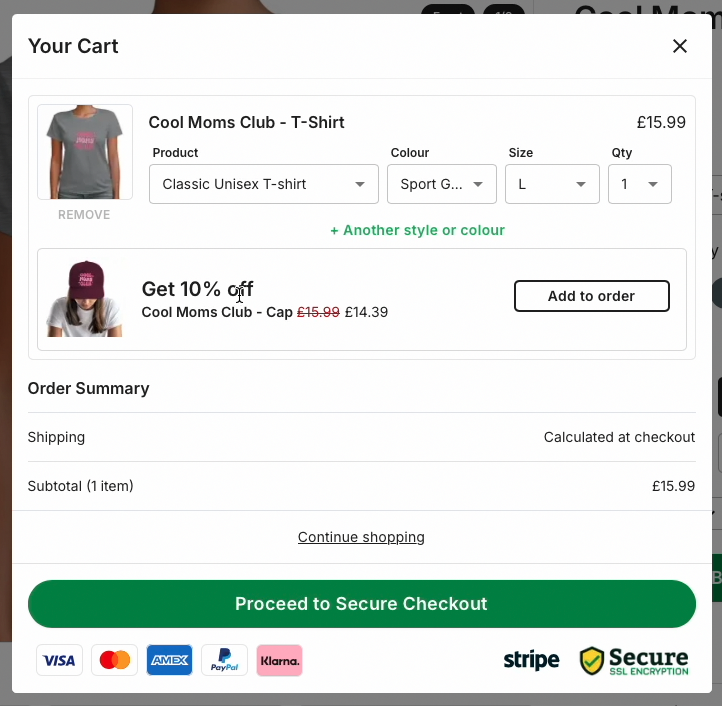
Guide to setting up in-cart upsell on your Mayzing store - Legacy
Setting up in-cart upsell in your Mayzing store can help to increase sales by offering an additional product from the same campaign at a discounted rate, thereby increasing the average order value.
Go to dashboard.mayzing.com
Click on campaigns.
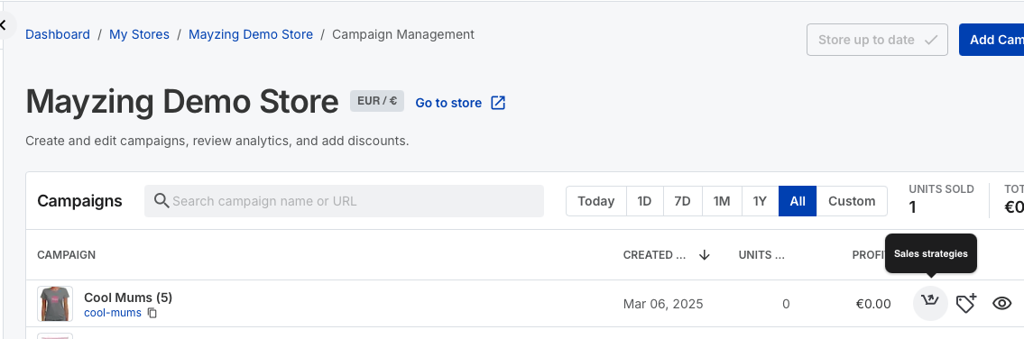
Find the campaign you want to add upsell to, and click on the Sales Strategies button.
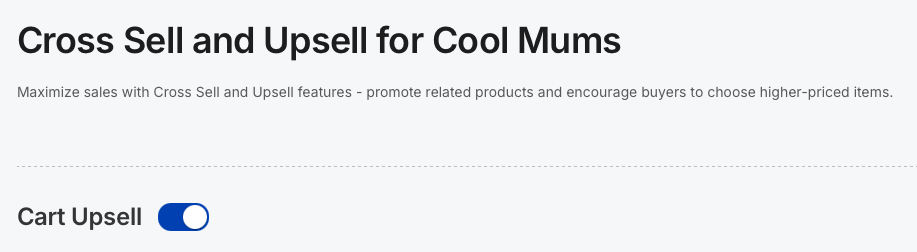
Toggle the Cart Upsell to on.
Choose the additional product from the campaign that you would like to use for the upsell.
Choose the discount you would like to offer. Press save settings.
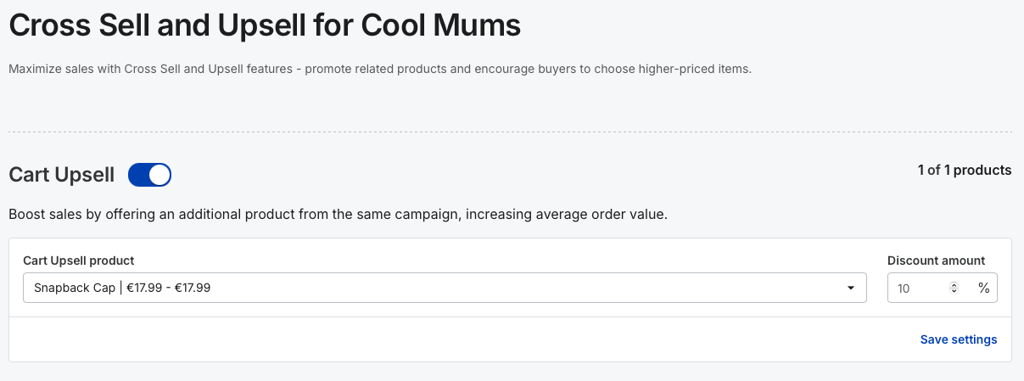
Press save settings.

Publish your changes.
To see the Upsell in action, go to your store, and refresh.
Find the campaign you added the sales strategy to.
Add an item, and hit buy now.
The cart modal will pop up, and you’ll see the upsell offer in place.